Overlook
← Projects- Platform
- Android
- Status
- In progress
- Built with
- React Native, TypeScript, Supabase, Claude API, React Query, Claude Code
Overlook was born from a conversation I had at a community tech demo event about AI assistants and their potential. I went home that night thinking about where an AI assistant would be most useful to me. Keeping my own data organized is something I think about often and find tedious. On my phone I’m constantly screenshotting recipes, outfits, and to-dos. Thousands of them pile up in an unorganized gallery. I wanted an “assistant” app that could tag and sort them for me and turn my ceaseless bookmarks into a functioning library.
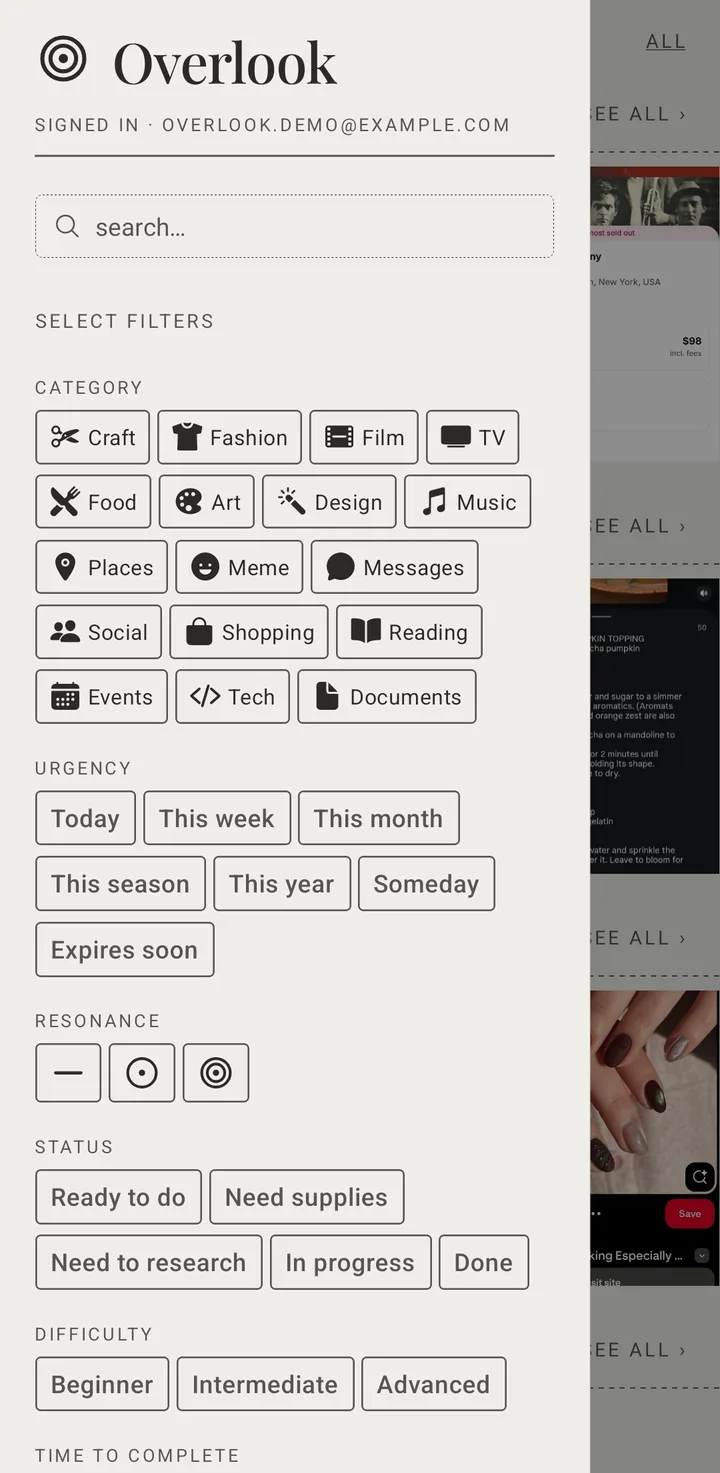
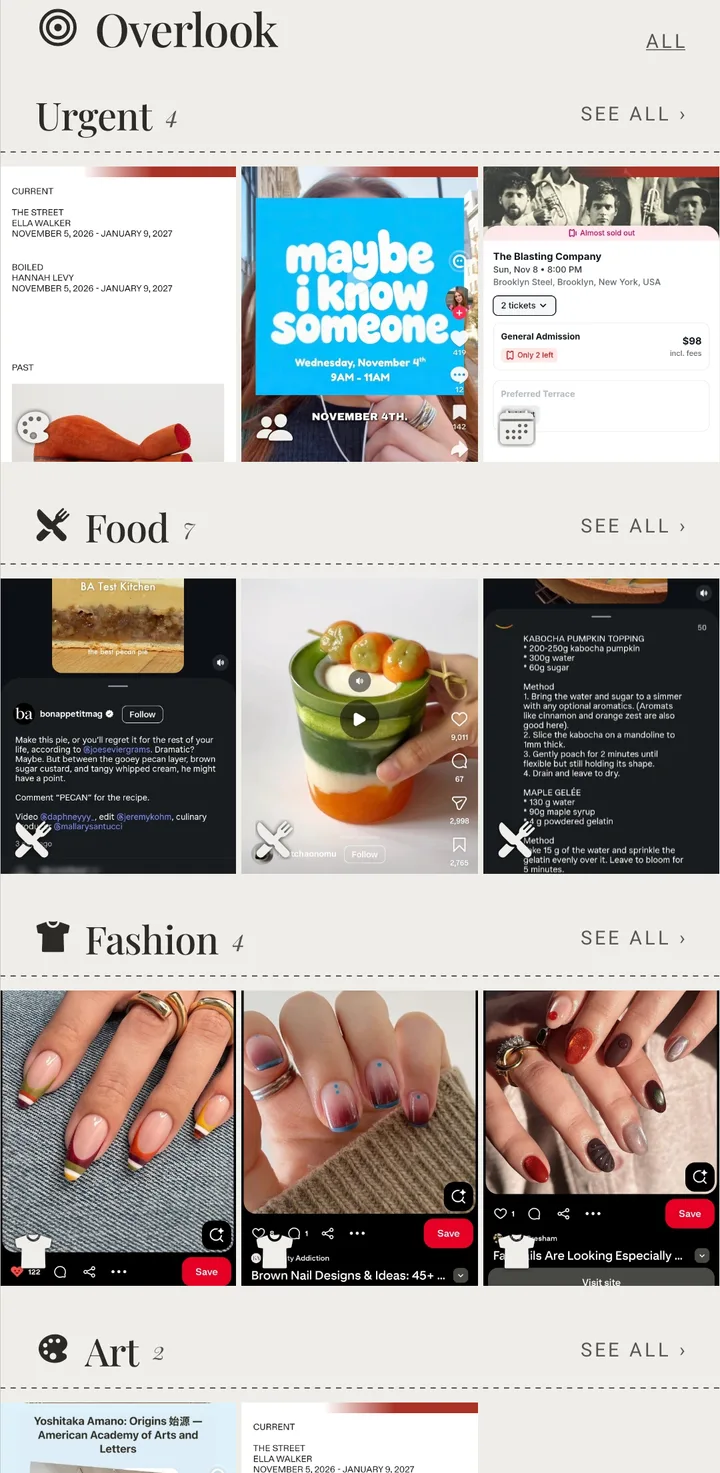
Pinterest is the closest thing I’d found to what I needed, but it relies on static albums and doesn’t organize with the depth and responsiveness I wanted. Using it for my screenshots would mean uploading every one by hand. Even the “pins” I already save there tend to get lost.
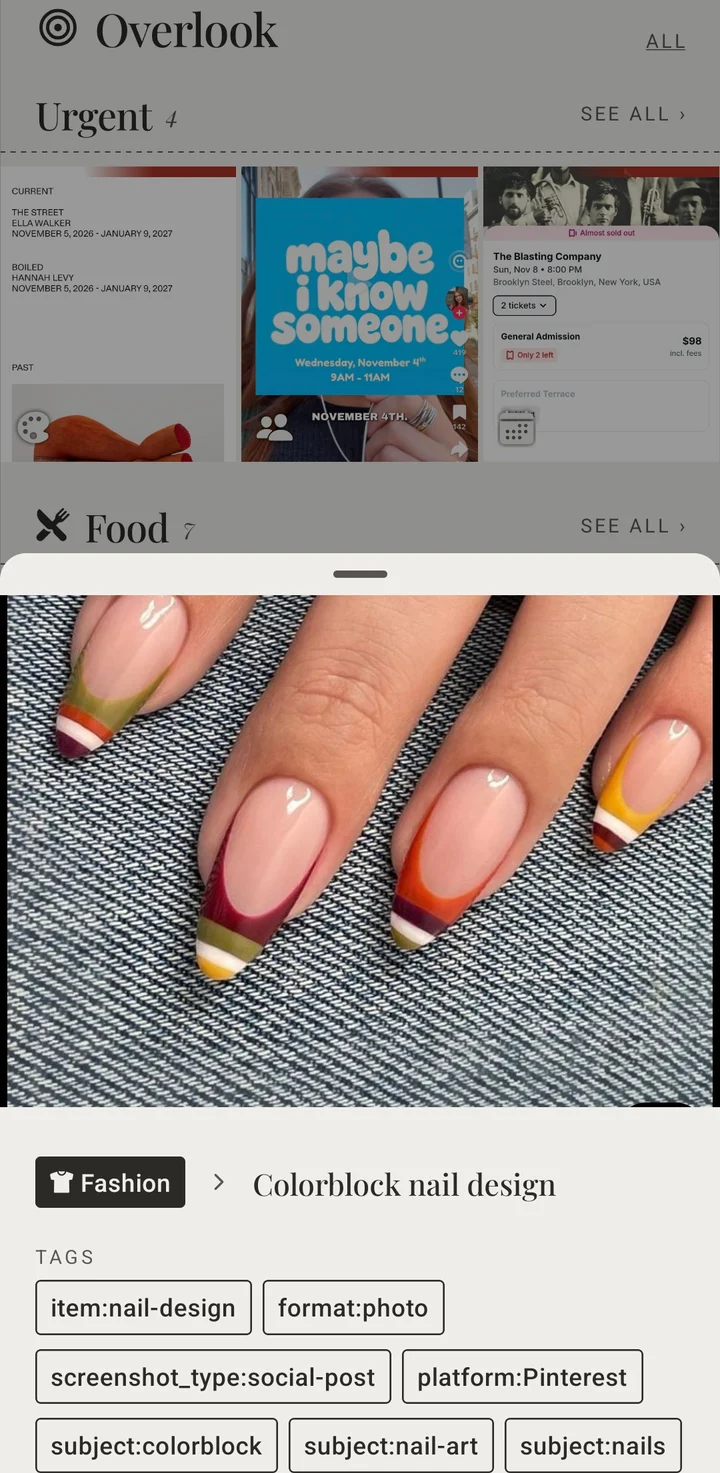
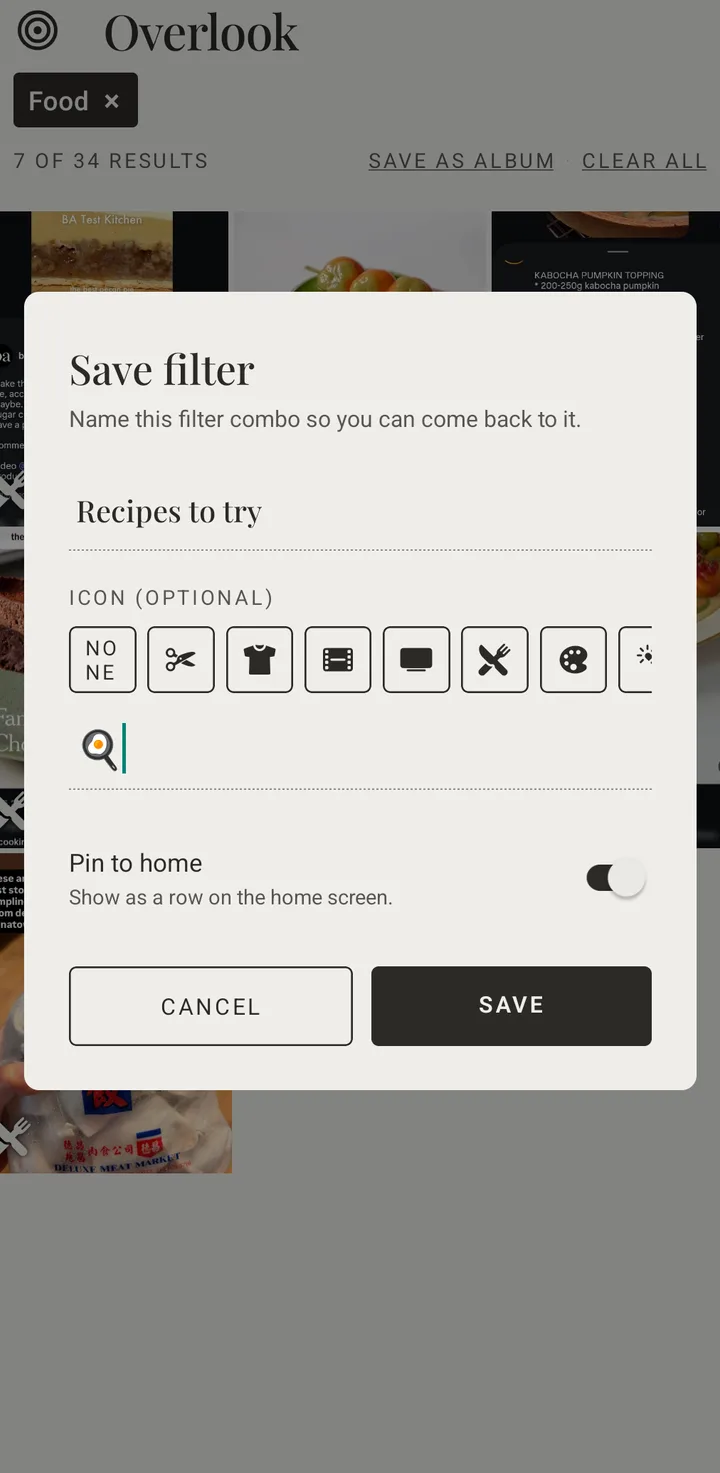
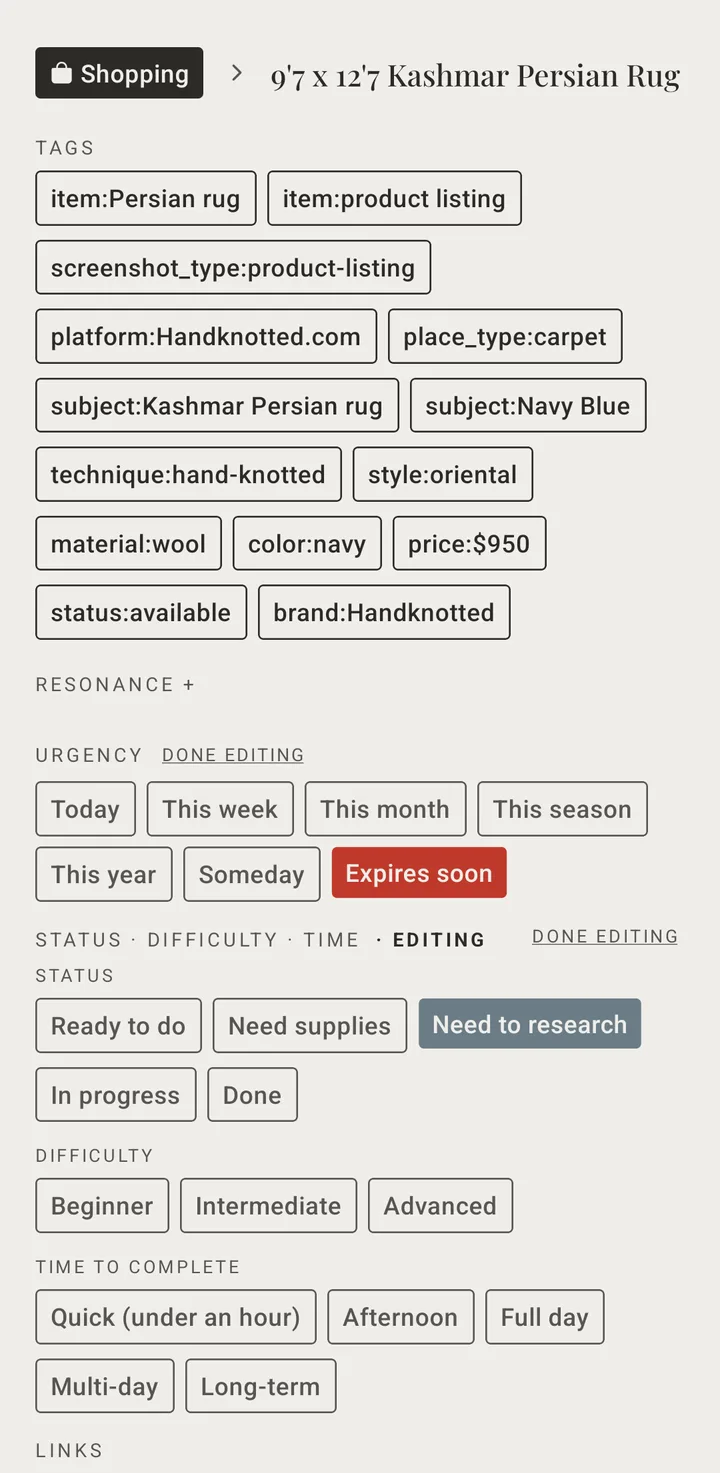
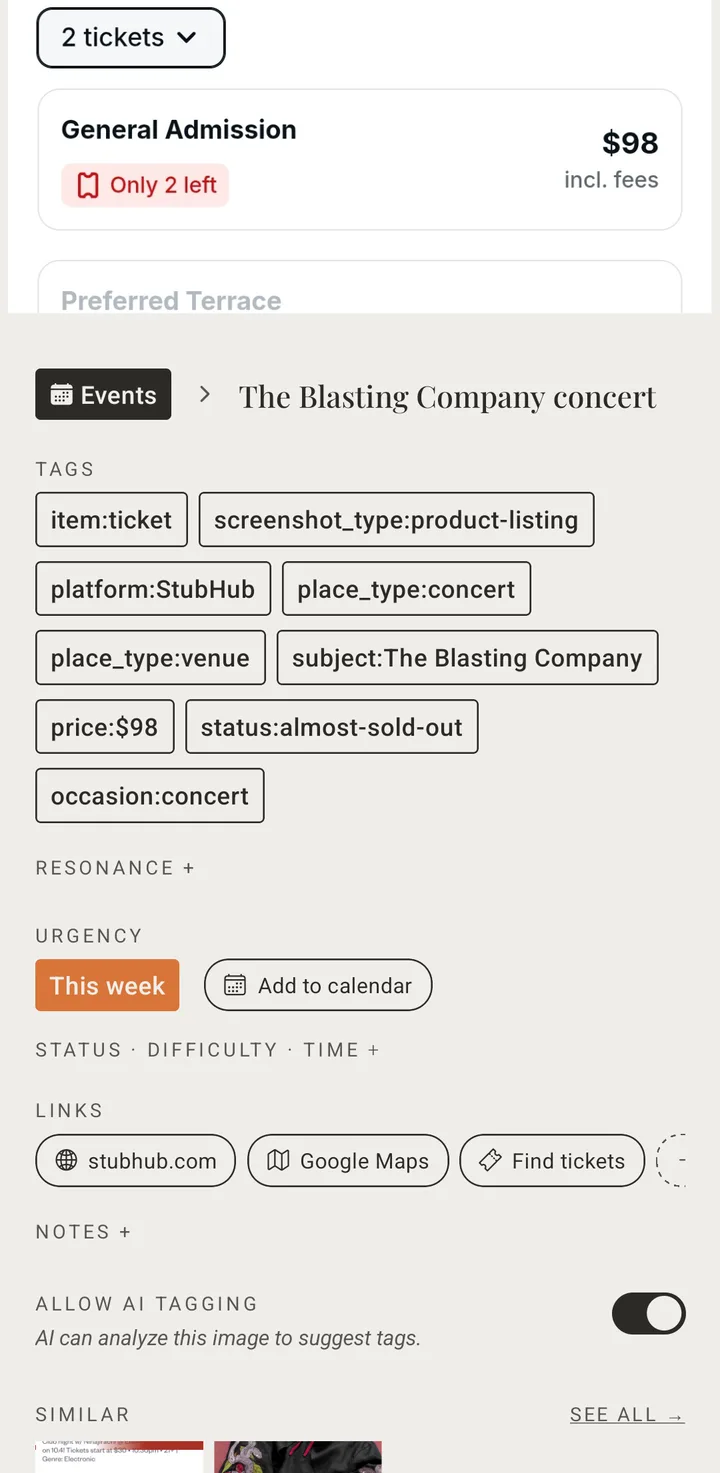
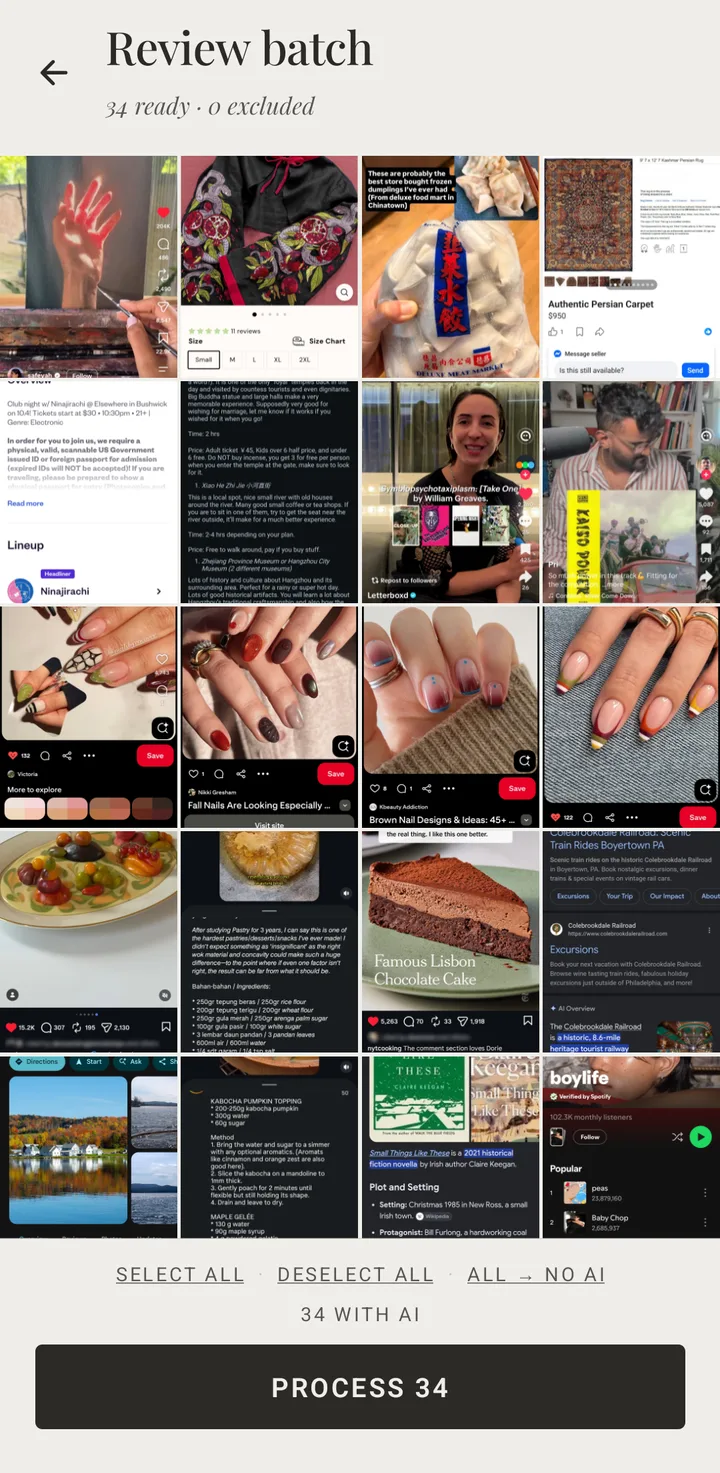
Overlook solves this with an extensive tagging system that’s fully searchable and connects every image into one complete database. Every image sits in broad categories and carries its own niche details.
Tagging
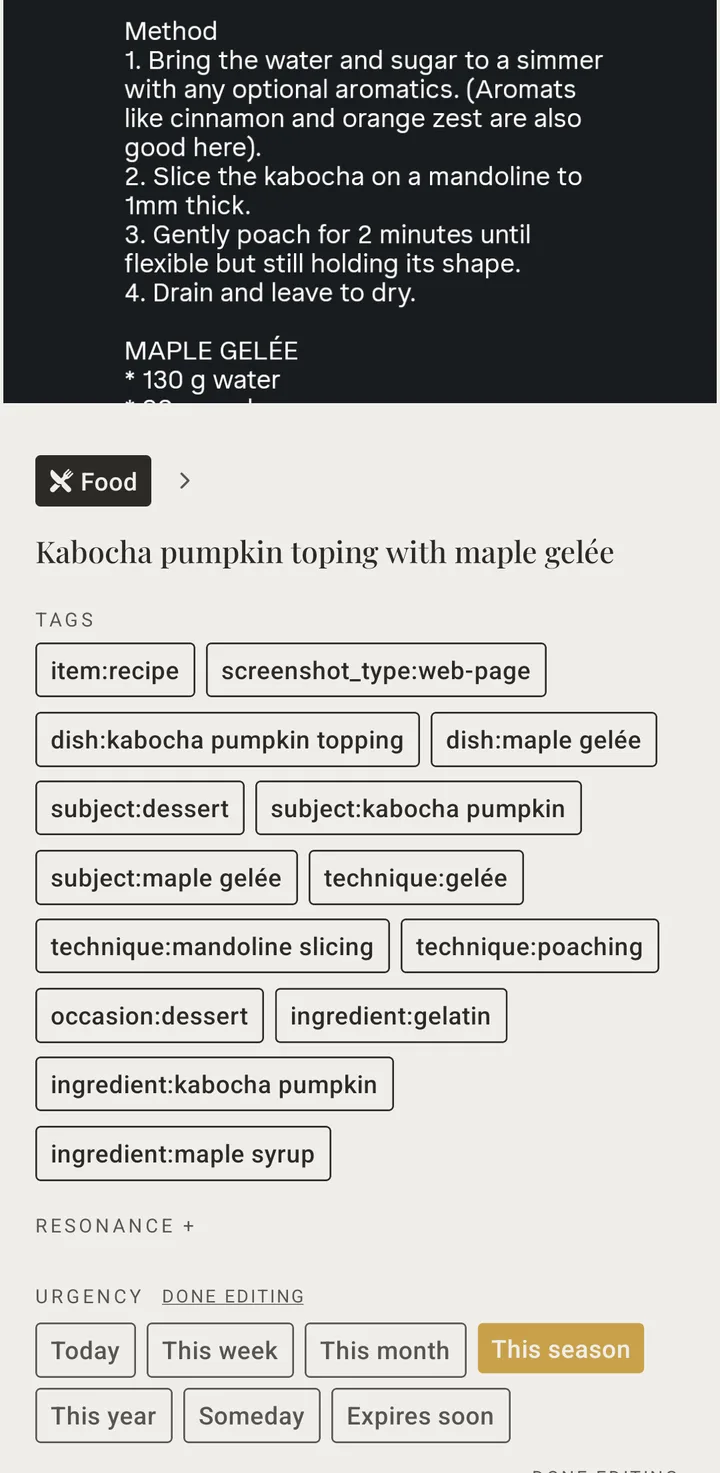
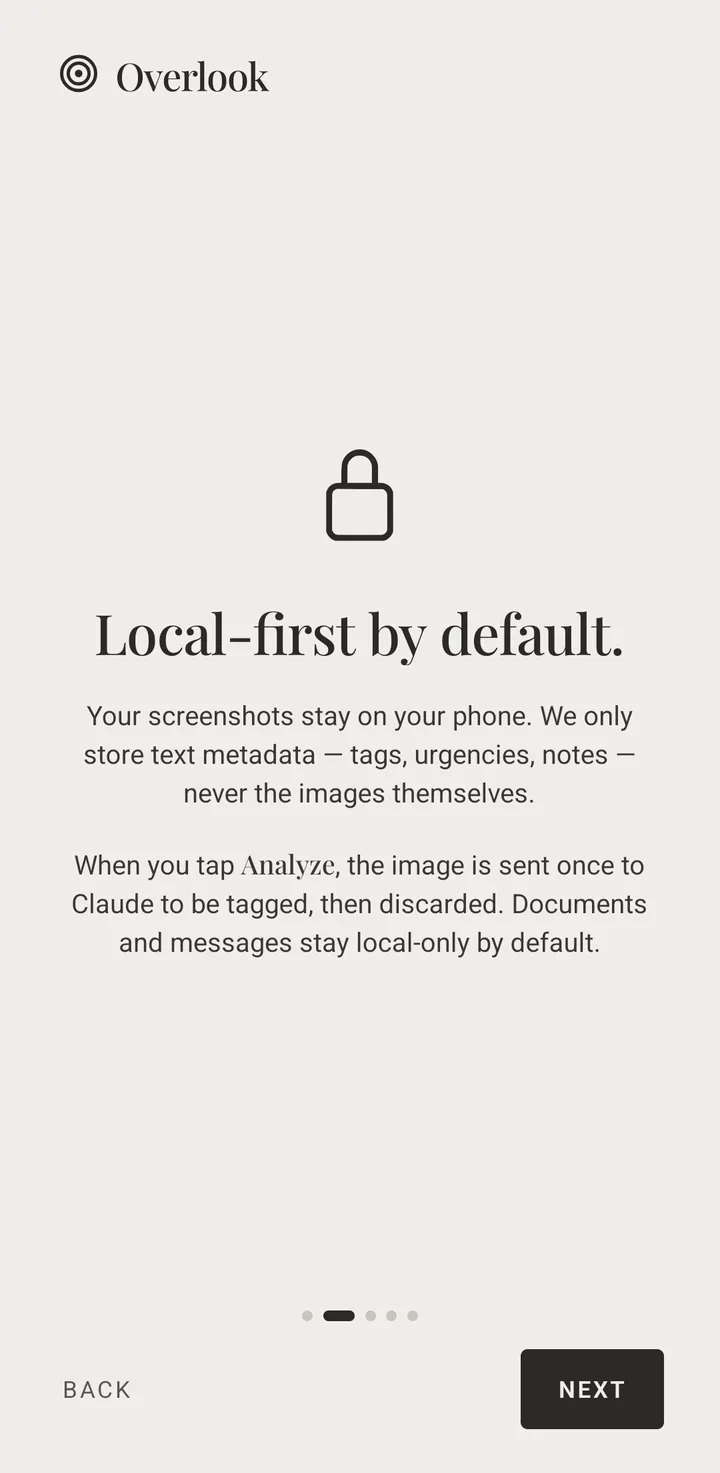
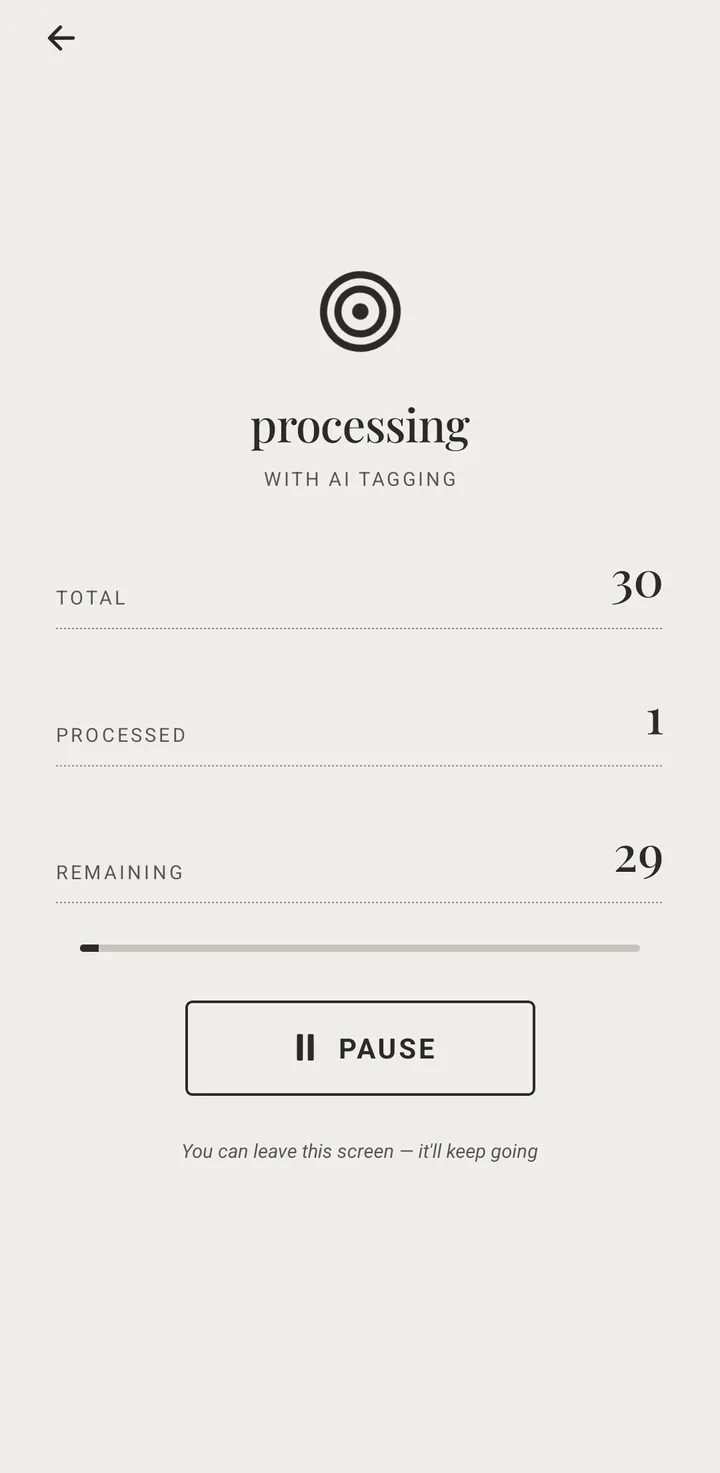
Tags cover what a screenshot is and what’s in it. Users can let Claude analyze and tag a screenshot, tag it by hand, or do both. Claude’s tags have their own look that sets them apart from manual tags, so users can always tell what Claude guessed and correct it.
For example, a recipe from a Reddit post would be categorized as “social” and “food,” then also tagged with the cuisine, dish, and any other identifiable details.
I built V1 of Overlook in a week when I was very new to coding. I first spent a few days on the spec, the user flow, essential features, and the basic UX/UI. I experimented with building in Claude Code for the first time. It was a frenzy of hyperfixation where every growing piece brought me great satisfaction. It was exhilarating to see my ideas turn into working code.
By the end of the week the app came close to fully matching my spec, and I’d even added some stretch features. It also had bugs I didn’t know how to fix yet. The bugs kept spreading until they became impossible to manage. That’s when I realised I had hit the wall of “vibe coding.”
When I came back to read the code I didn’t write, I found big structural issues under the bugs.
The album problem
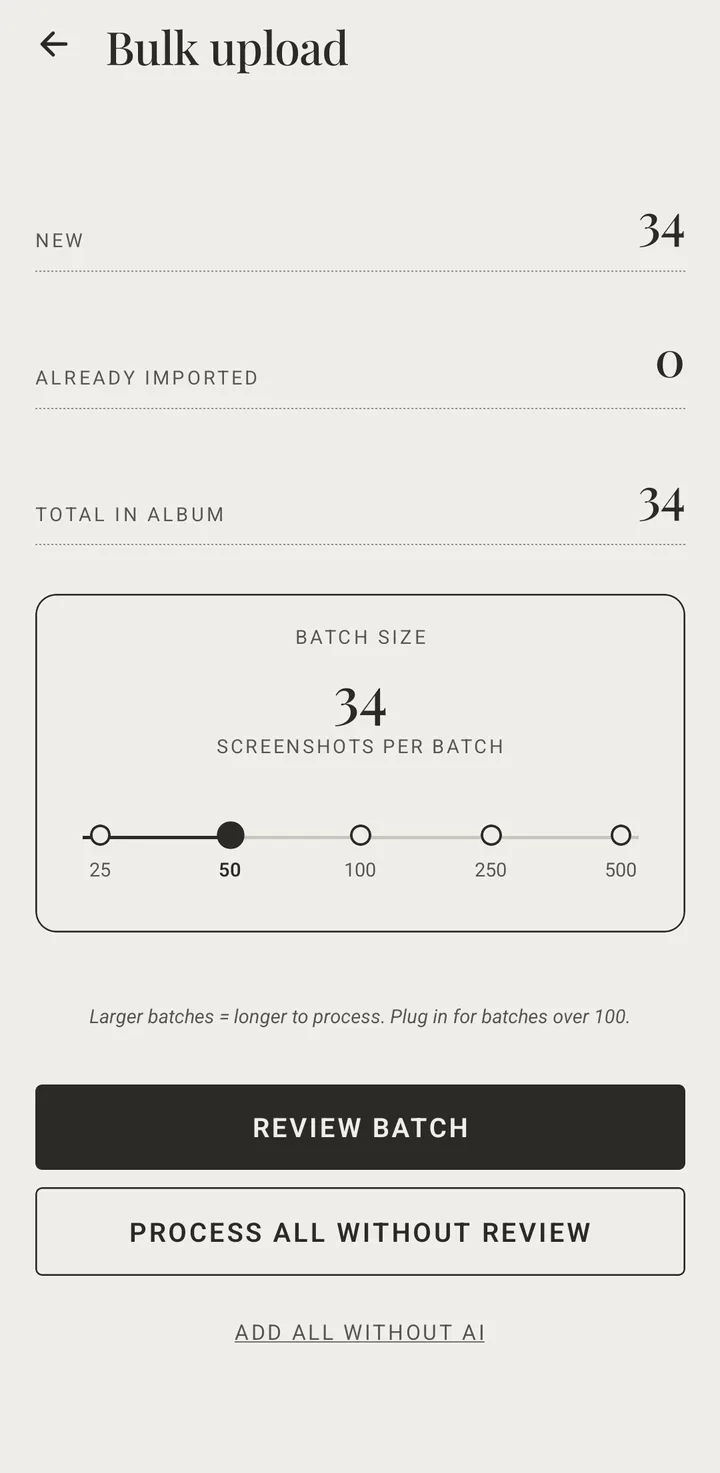
I didn’t catch that Claude Code skipped the onboarding step from my spec where users confirm which album to watch. Without it the code had to guess where screenshots were kept. It looked for an album named “Screenshots” and fell back to the entire photo library including camera photos whenever that album didn’t exist.
Now users choose which album Overlook watches. A dedicated album is safer because Overlook’s code only requests photos from that one album and leaves the rest of the photo library alone. If Overlook can’t find that album it stops and asks.
Overlook V1 did work, but it was built for the happy path. Claude Code didn’t plan for missing albums, failed saves, or lost connection and I didn’t know enough to tell bad code from a simple bug. Now I write a spec for each feature, review Claude Code’s plan before it writes any code, test what happens when things go wrong, and call out poorly built code. I’m currently working on broad fixes with proper error handling and automated tests. Overlook is still a work in progress. Once the fixes are in, I’ll work on improving the API prompt and finalizing the UI. When this is all done I hope to make it open source for all the other screenshot loving people in this world.